Crewbird Pro for carpet cleaning
Quote by the room, send the crew, keep before and after photos on every visit, and get paid by card.
A day with Crewbird Pro
- RequestA homeowner sends a request from your booking page. It lands in your inbox with the address and what they need.
- QuotePrice by the room, the step or the add-on from your price book. Offer good, better and best; they pick one on their phone.
- ScheduleBook the visit and put a crew on it. Set rentals and offices to repeat.
- VisitThe crew taps On my way. On site they tick the checklist and add the before and after photos.
- InvoiceFinish the job and make the invoice. The accepted quote’s lines come across.
- PaidThe customer pays by card from the invoice link. Crewbird takes no cut.
In the app
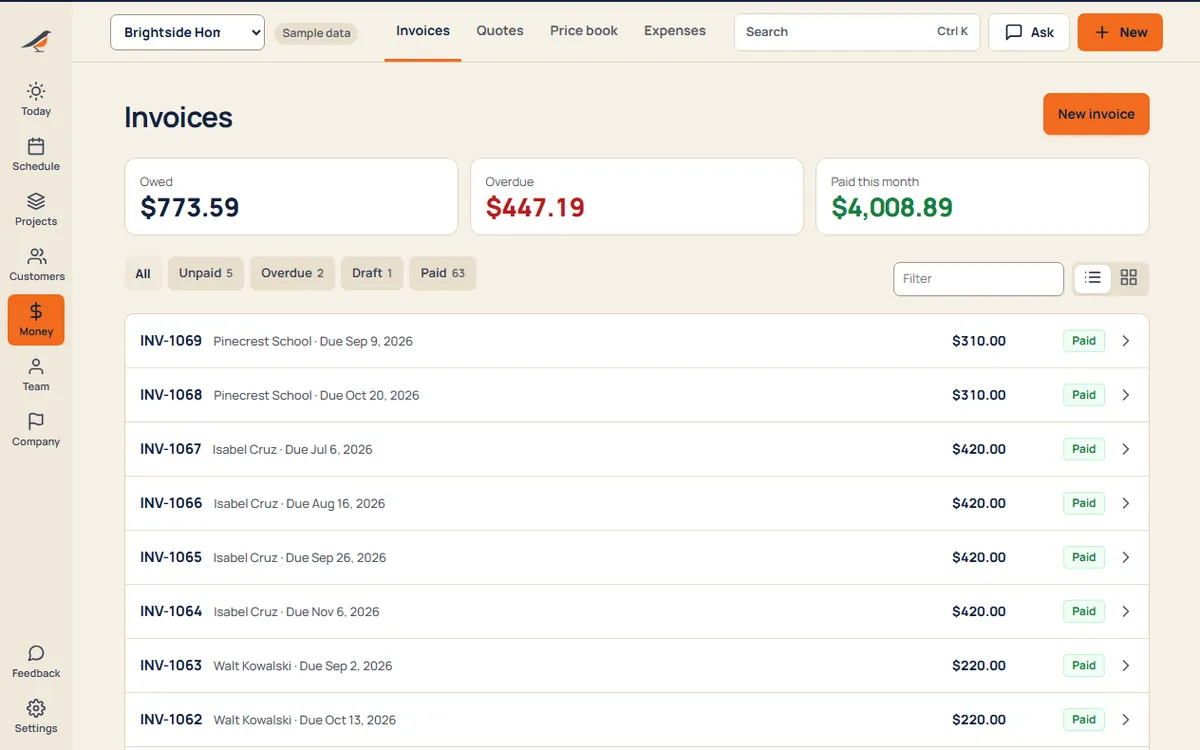
Sample business and sample customers.
Your price book
- Roomper room
- Stairsper flight
- Pet odor treatmentper room
- Protectantper room
- Upholsteryper piece
Examples. Your prices, your units.
Pricing
- Starter$592 people, then $15 each
- Crew$995 people, then $12 each
- Company$17912 people, then $9 each
Per month. Every suite on every plan. See pricing
Questions
Can I price by the room?
Yes. Add items like Room and Stairs to your price book, then set the quantity on each quote: three rooms is a quantity of 3. The prices are yours.
Can a customer choose between a standard and a deeper clean?
Yes. Put up to three options on one quote, like a clean, a clean with protectant and a clean with pet treatment. The customer picks on their phone, and the job and invoice follow the pick.
Do I get before and after photos?
Yes. Add a photo step to the visit’s checklist and the crew takes the photos on site, even without signal. Today shows the visits still missing one. Photos stay with your business; customers don’t see them.
Can I repeat visits for rentals and offices?
Yes. Set a job to repeat every week, every few weeks, monthly or every few months, and its visits are booked ahead. Cancel one and it stays cancelled.