Crewbird Pro for house cleaning
Weekly and biweekly cleans that book themselves, a crew that sees its own visits, and an invoice after every clean.
A day with Crewbird Pro
- RequestA new customer sends a request from your booking page. You make the customer and the job from it.
- QuoteSend a quote from your price book: a standard clean, a deep clean or a move-out clean. They accept on their phone.
- ScheduleSet the clean to repeat and turn on the day-before reminder email. Put the instructions (door code, pets) on the job; the crew sees them on the visit.
- VisitThe crew taps On my way, ticks the checklist and clocks in. The customer can get an On my way email.
- InvoiceFinish the job and make the invoice. An accepted quote’s lines come across.
- PaidThe customer pays by card from the link, and you see it paid.
In the app
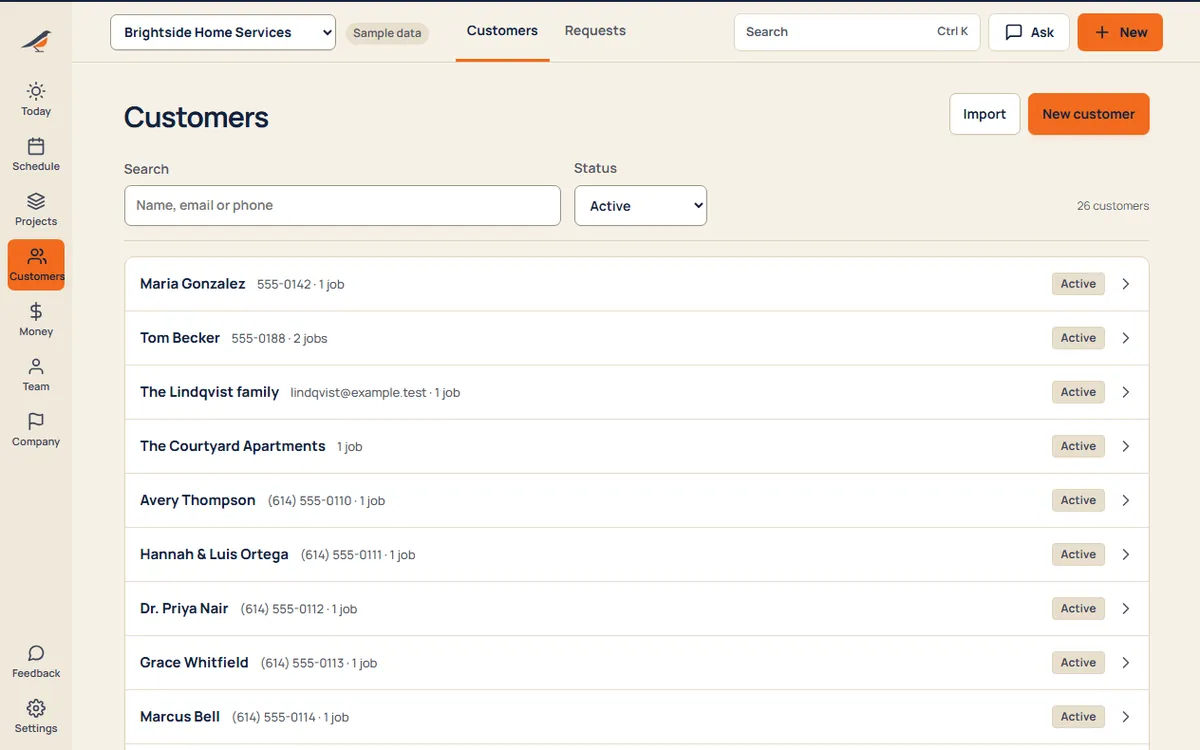
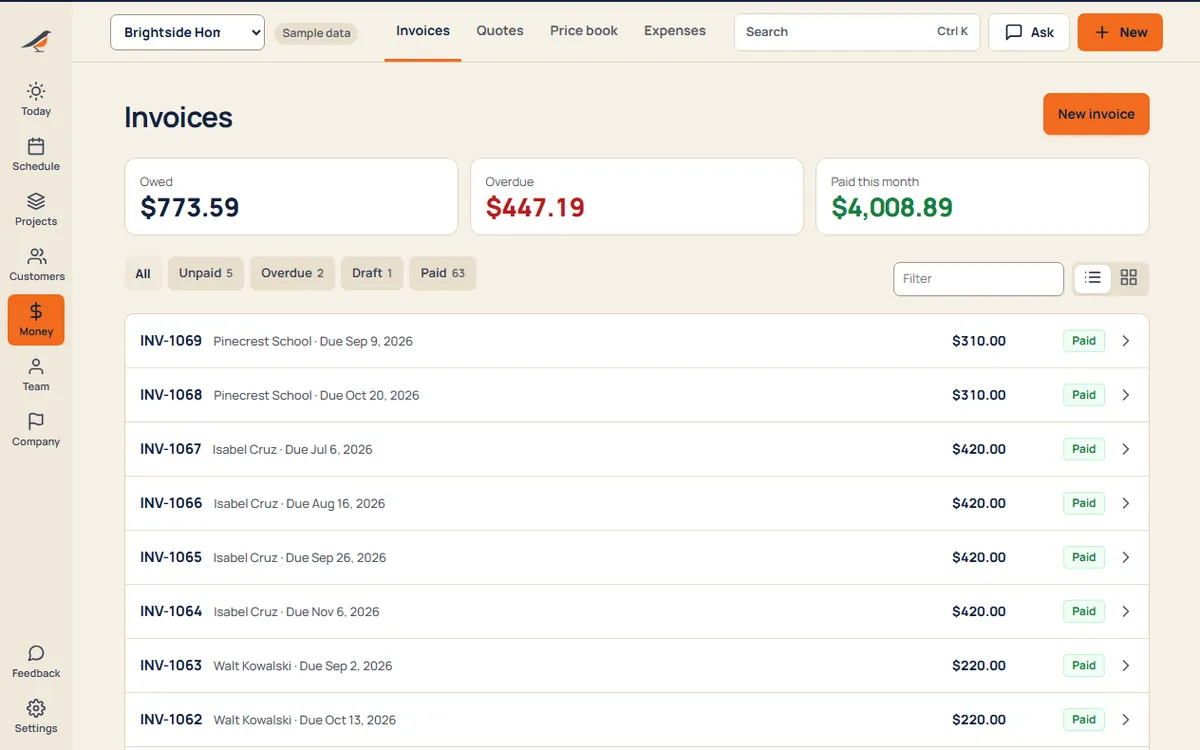
Sample business and sample customers.
Your price book
- Standard cleanper visit
- Deep cleanper visit
- Move-out cleanper visit
Starter items for Cleaning. Edit them or add your own.
Pricing
- Starter$592 people, then $15 each
- Crew$995 people, then $12 each
- Company$17912 people, then $9 each
Per month. Every suite on every plan. See pricing
Questions
Can a clean repeat every week or every two weeks?
Yes. Set a job to repeat every week, every few weeks, monthly or every few months, and its visits are booked ahead. Cancel one and it stays cancelled.
Will my cleaners see every customer?
No. Crew see the visits they’re on, with the address and the job’s instructions. Owners and office see the whole business.
Can customers ask to move a clean?
Yes. A customer with a free Crewbird Pass asks for another day, and you accept or pick a time.
Can customers get a reminder?
Yes. Turn on the day-before reminder in Money → Settings → Automatic messages and customers get an email the day before. It’s off until you switch it on.
Can I run shifts and a time clock for my crew?
Yes. Draft the week’s shifts from booked visits, approve time off, and the crew clocks in on their phone. Hours are ready to approve for payroll.