Crewbird Pro for handyman services
Hourly labor and a trip charge from your price book, a visit for each small job, and an invoice customers pay by card.
A day with Crewbird Pro
- RequestA customer sends a request from your booking page, or you add them after a call. It lands in your inbox with the address and what they need.
- EstimateList the jobs from your price book: labor by the hour, a trip charge and any materials. They accept on their phone.
- ScheduleBook a visit for each job and see the day on Schedule, or on a map in order.
- VisitYou or a helper taps On my way, ticks the checklist and clocks in. Photos can be a step on the checklist.
- InvoiceMake the invoice from the job and edit its lines: put the hours you worked as the quantity on the labor line.
- PaidThe customer pays by card from the link, or you record cash or a check.
In the app
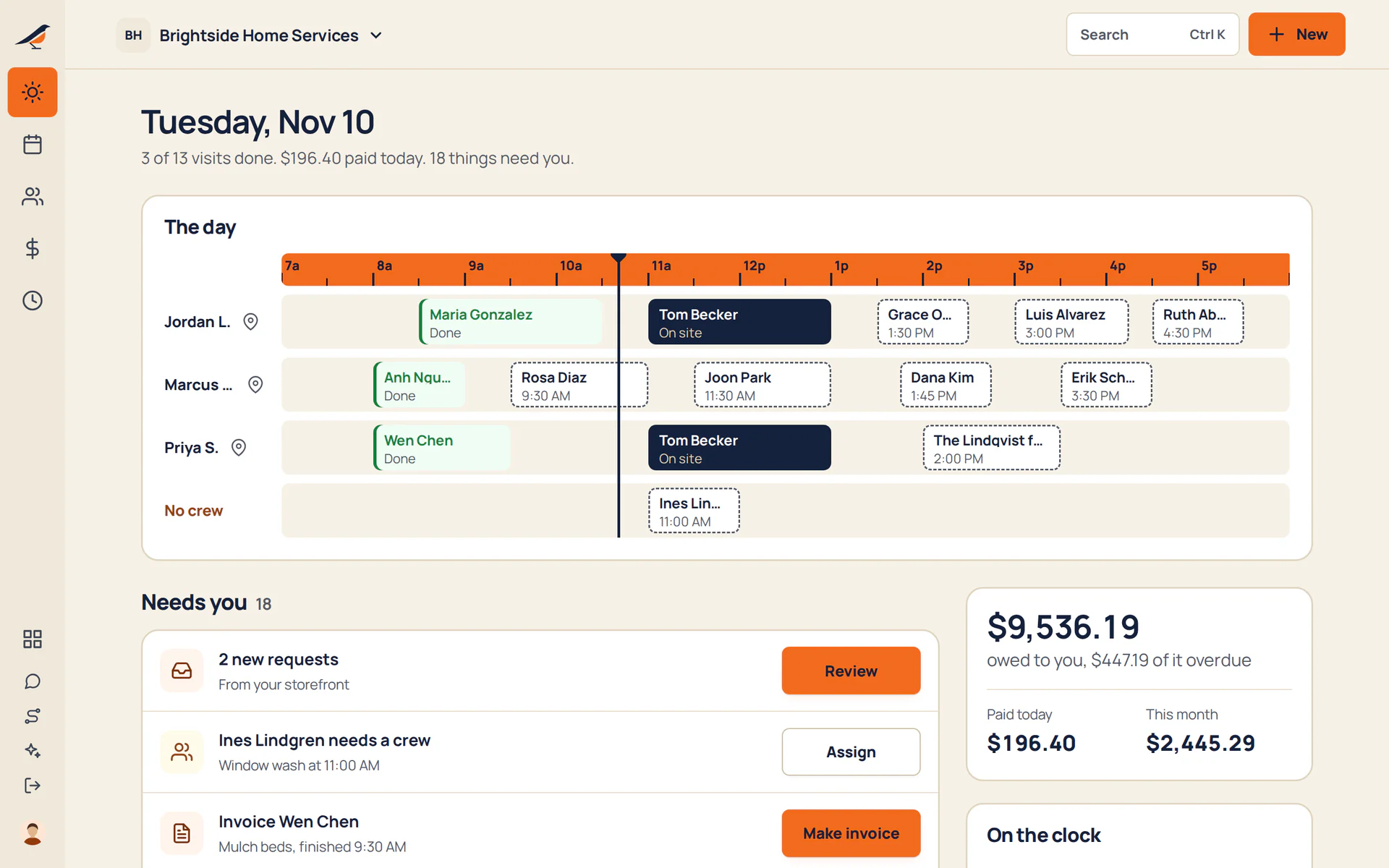
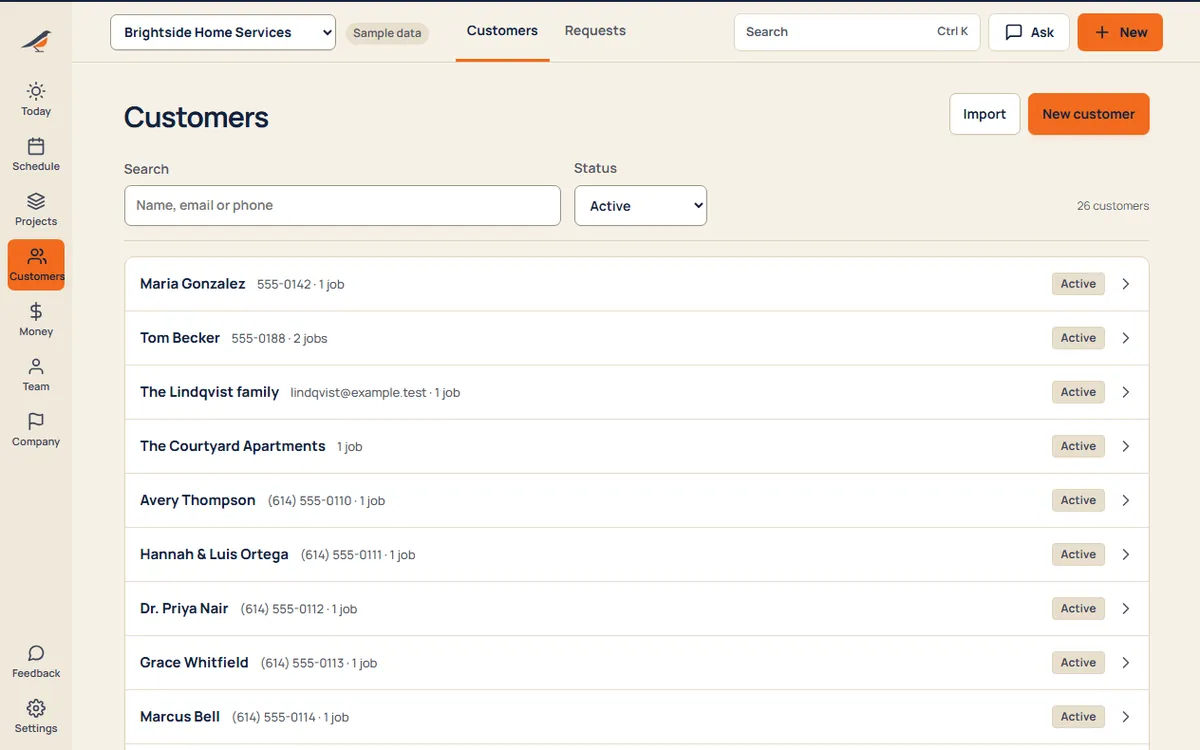
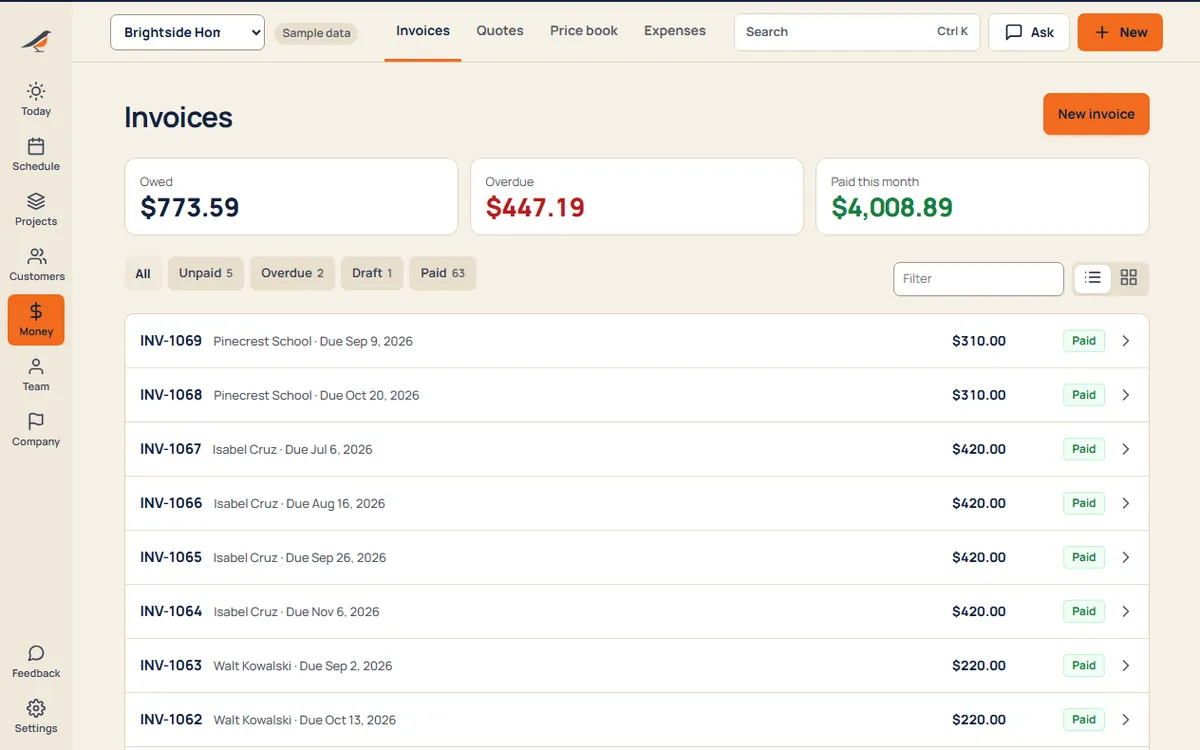
Sample business and sample customers.
Your price book
- Laborper hour
- Trip chargeper each
Starter items for Handyman. Edit them or add your own.
Pricing
- Starter$592 people, then $15 each
- Crew$995 people, then $12 each
- Company$17912 people, then $9 each
Per month. Every suite on every plan. See pricing
Questions
Can I charge by the hour plus a trip charge?
Yes. Add Labor as an hourly item and Trip charge as a fee in your price book, then set the quantity on the estimate: 2.5 hours is a quantity of 2.5. The prices are yours.
Does the invoice use the hours I worked?
No. An invoice made from a job copies the accepted estimate’s lines, not hours or materials. Edit the invoice’s lines and set the hours you’re charging as the quantity on the labor line. Hours and materials still count in Job costs, which owners see, and office staff you choose.
Can one customer have several small jobs?
Yes. A customer keeps their jobs, visits and invoices together, and can have more than one site.
Can customers find and book me online?
Your booking page lists the services you offer with starting prices, your service area and your hours. Customers send a request, and it lands in your inbox.
Can I add a helper?
Yes. They see only the visits they’re on, with the address and the job’s instructions, and clock in on their phone. Owners and office see the whole business.